Keycloak
Keycloak
Keycloak est un serveur d'authentification SSO qui fait du SAML ou de l'OIDC (OpenId Connect). Une méthode d'authentification unique à travers la gestion par identité et par accès.
Pour acceder à l'application, clique ici. Pour acceder au repository de la chart helm, clique ici
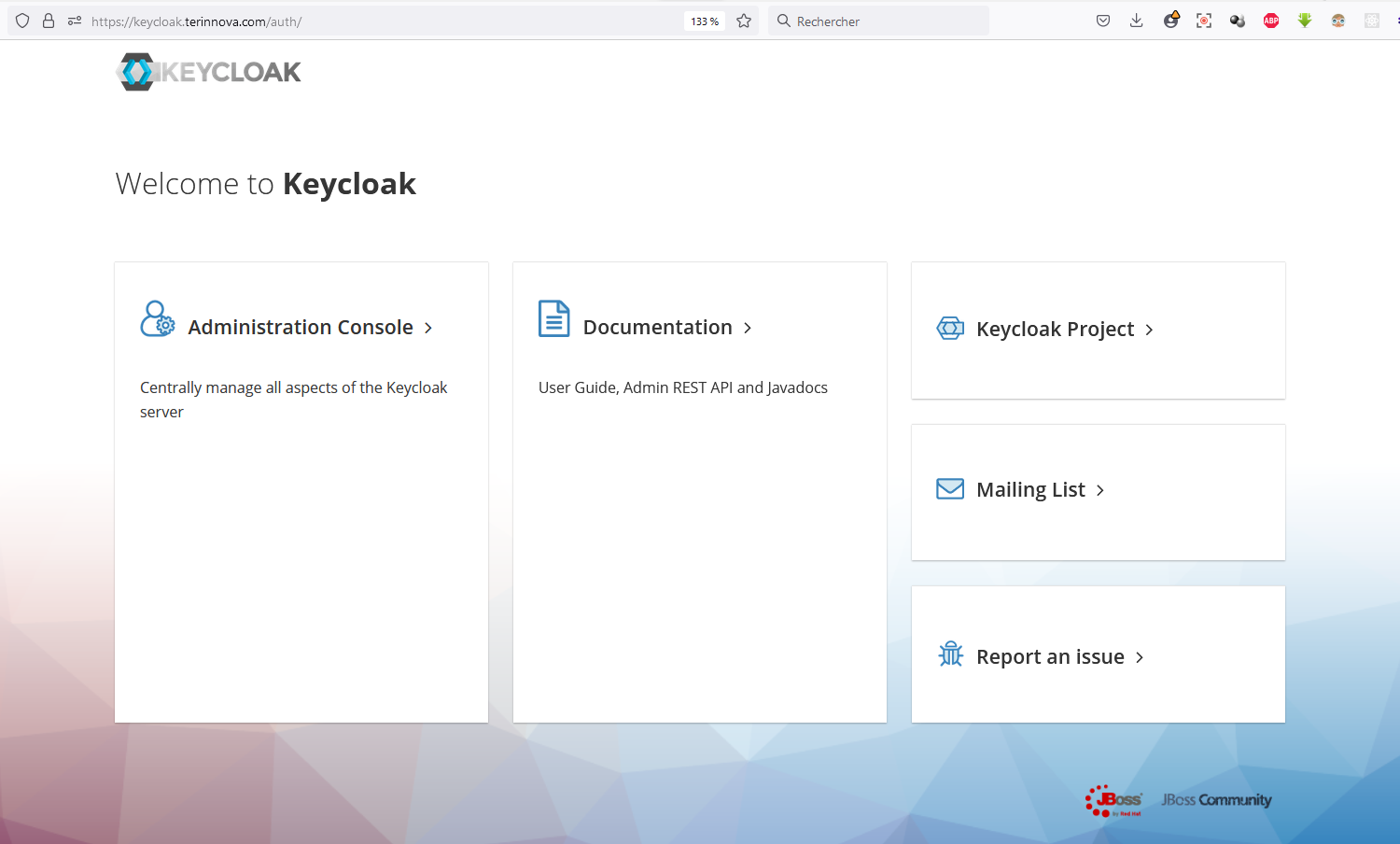
Installation de la chart helm
helm repo add codecentric https://codecentric.github.io/helm-charts
microk8s helm3 upgrade --install keycloak codecentric/keycloak -f values.yaml -n keycloak --version 18.4.3
Configuration de la chart helm
configuration du fichier values.yaml
values.yaml
...
# Additional environment variables for Keycloak
extraEnv: |
  - name: KEYCLOAK_USER
    value: terinnova-admin
  - name: KEYCLOAK_PASSWORD
    value: '@dmin-p@ss'
  - name: KEYCLOAK_LOGLEVEL
    value: DEBUG
  - name: WILDFLY_LOGLEVEL
    value: DEBUG
  - name: PROXY_ADDRESS_FORWARDING
    value: "true"
  # - name: CACHE_OWNERS_COUNT
  #   value: "2"
  # - name: CACHE_OWNERS_AUTH_SESSIONS_COUNT
  #   value: "2"
configuration ingress
values.yaml
...
ingress:
  # If `true`, an Ingress is created
  enabled: true
  # The name of the Ingress Class associated with this ingress
  ingressClassName: ""
  # The Service port targeted by the Ingress
  servicePort: http
  # Ingress annotations
  annotations:
    cert-manager.io/cluster-issuer: letsencrypt
    kubernetes.io/ingress.class: nginx
    kubernetes.io/tls-acme: 'true'
    ingress.kubernetes.io/force-ssl-redirect: 'true'

    ## Resolve HTTP 502 error using ingress-nginx:
    ## See https://www.ibm.com/support/pages/502-error-ingress-keycloak-response
    # nginx.ingress.kubernetes.io/proxy-buffer-size: 128k

  # Additional Ingress labels
  labels:
    app: "keycloak"
   # List of rules for the Ingress
  rules:
    - host: "keycloak.terinnova.com"
      # Paths for the host
      paths:
        - path: /
          pathType: ImplementationSpecific
# Example TLS configuration
  tls:
    - hosts:
        - 'keycloak.terinnova.com'
      secretName: keycloak-letsencrypt
configuration postgresql
values.yaml
...
postgresql:
  # If `true`, the Postgresql dependency is enabled
  enabled: true
  # PostgreSQL User to create
  postgresqlUsername: keycloak
  # PostgreSQL Password for the new user
  postgresqlPassword: <password>
  # PostgreSQL Database to create
  postgresqlDatabase: keycloak
  # PostgreSQL network policy configuration
  networkPolicy:
    enabled: false