Gitlab
Gitlab
Outil de gestion du code source des projets, basé sur git proposant les fonctionnalités de wiki, un système de suivi des bugs, l'intégration continue et la livraison continue...
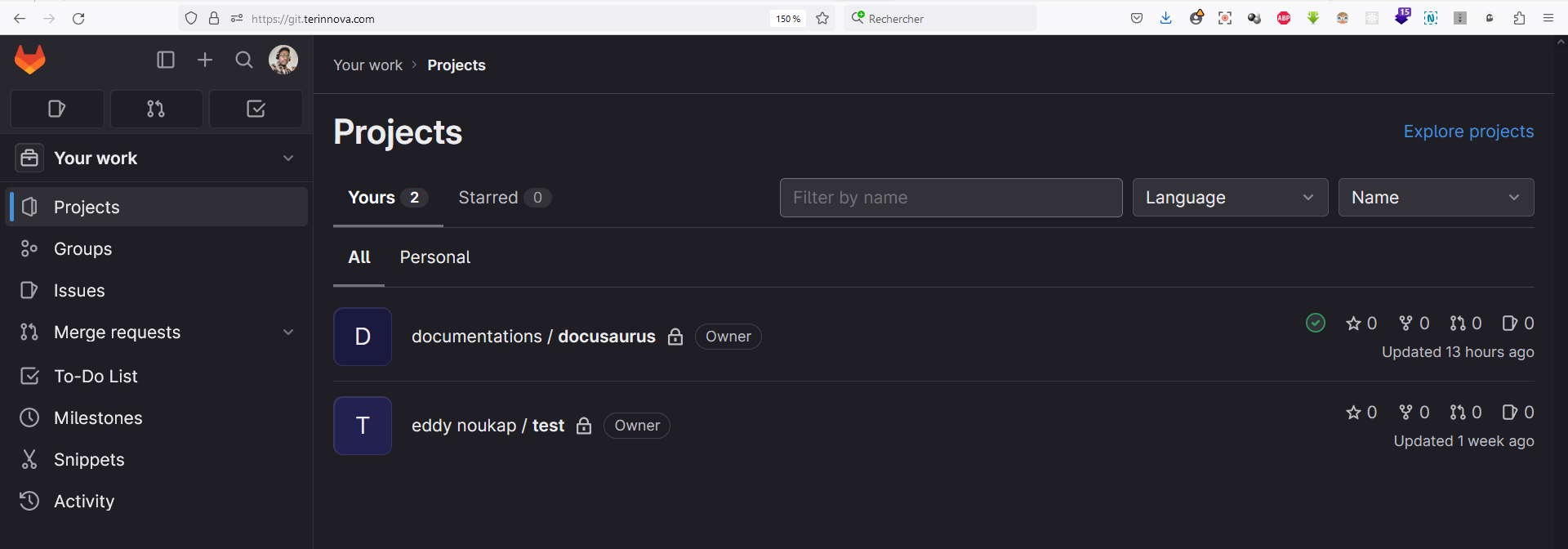
La console d'administration
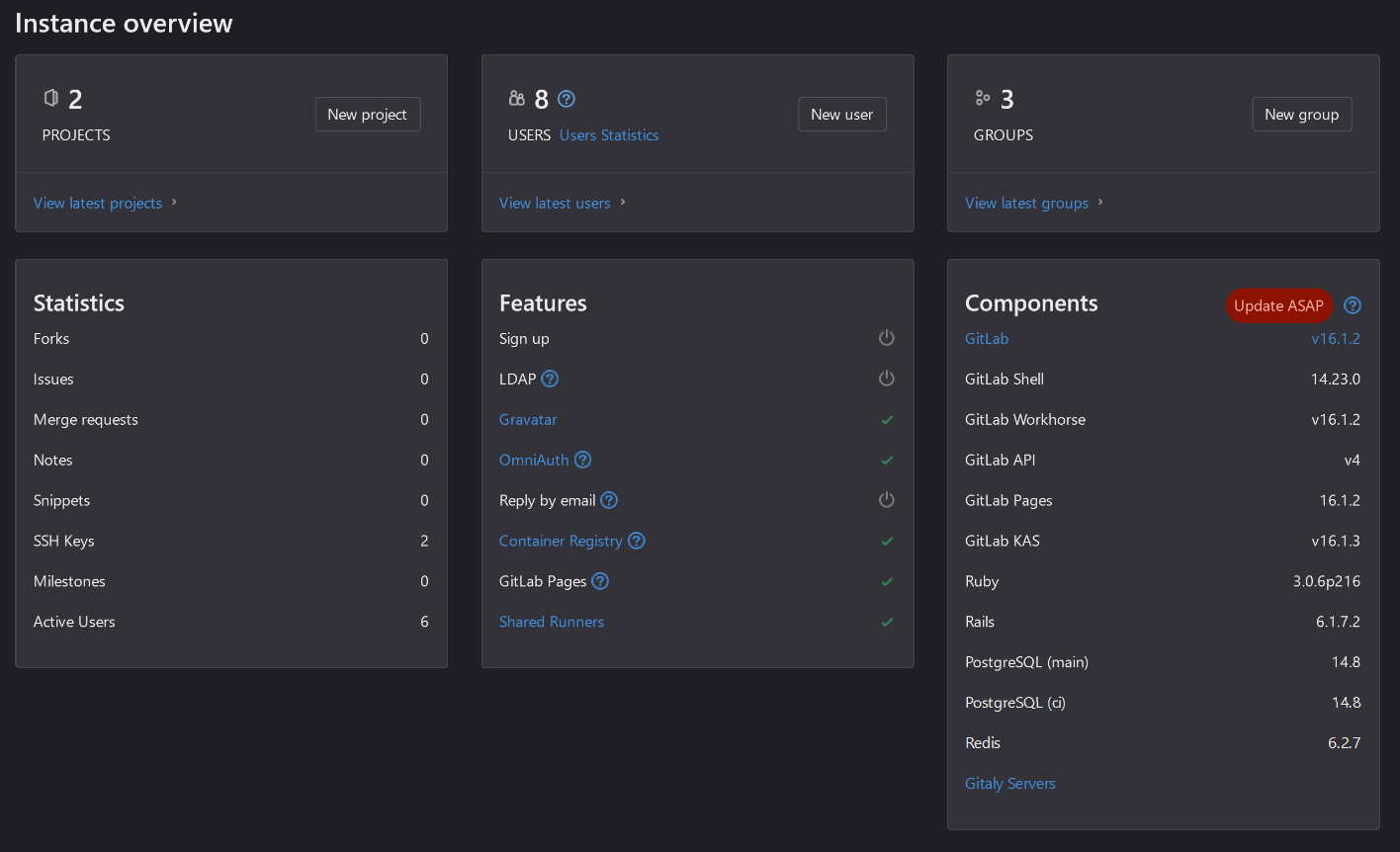
Pour acceder à l'application, clique ici. Pour acceder au repository de la chart helm, clique ici
Installation de la chart helm
helm repo add gitlab https://charts.gitlab.io/
microk8s helm3 upgrade --install gitlab gitlab/gitlab -f values.yaml -n gitlab --set registry.ingress.tls.secretName=registry-tls --set minio.ingress.tls.secretName=minio-tls --version 7.1.2
Configuration de la chart helm
definition des hosts des differents services de gitlab-ce
values.yaml
  ...

  ## https://docs.gitlab.com/charts/installation/deployment#deploy-the-community-edition
  edition: ce

  ## https://docs.gitlab.com/charts/charts/globals#application-resource
  application:
    create: false
    links: []
    allowClusterRoles: true
  ## https://docs.gitlab.com/charts/charts/globals#configure-host-settings
  hosts:
    domain: terinnova.com
    hostSuffix:
    https: true
    externalIP: 95.216.45.143
    ssh: git.terinnova.com
    gitlab:
      name: git.terinnova.com
    minio:
      name: minio-git.terinnova.com
    registry:
      name: registry-git.terinnova.com
    tls:
      secretName: tls-letsencrypt
    smartcard: {}
    kas:
      name: kas-git.terinnova.com
    pages:
      name: pages-git.terinnova.com
definition du point d'entrée ingress de l'appicalition gitlab-ce
values.yaml
  ...
  ## https://docs.gitlab.com/charts/charts/globals#configure-ingress-settings
  ingress:
    apiVersion: ""
    configureCertmanager: false
    # provider: nginx
    class: nginx
    annotations:
      cert-manager.io/cluster-issuer: letsencrypt
      ingress.kubernetes.io/force-ssl-redirect: 'true'
        # kubernetes.io/ingress.class: 'nginx'
      kubernetes.io/tls-acme: 'true'
    enabled: true
    tls:
      enabled: true
        secretName: gitlab-letsencrypt-tls
    path: /
    pathType: Prefix

  ...
  ## https://docs.gitlab.com/charts/charts/globals#configure-minio-settings
  minio:
    enabled: true
    ingress:
      tls:
        secretName: minio-letsencrypt-tls
    credentials: {}
      # secret:

  ...
  ## https://docs.gitlab.com/charts/charts/gitlab/kas/
  kas:
    enabled: true
    service:
      apiExternalPort: 8153 # port for connections from the GitLab backend
    tls:
      enabled: true
      verify: true
      secretName: kas-letsencreypt-tls
      # caSecretName:
configuration de l'authentification oidc avec keycloak
Creation du secret gitlab-omniauth. ce secret contient la configuration d'acces OIDC avec keycloak.
omniauth-provider.yaml
name: 'TERINNOVA'
app_id: 'gitlab-id'
app_secret: 'aoJKfNYvOgKXmgCSuV64y6IBnBFbKQnD'
args:
  client_options:
    site: 'https://keycloak.terinnova.com' # including port if necessary
    authorize_url: '/auth/realms/terinnova/protocol/openid-connect/auth'
    user_info_url: '/auth/realms/terinnova/protocol/openid-connect/userinfo'
    token_url:  '/auth/realms/terinnova/protocol/openid-connect/token'
    gitlab:
      groups_attribute: "groups"
      auditor_groups: ["Developer"]
  user_response_structure:
    #root_path: ['user'], # i.e. if attributes are returned in JsonAPI format (in a 'user' node nested under a 'data' node)
    attributes: { email:'email', first_name:'given_name', last_name:'family_name', name:'name', nickname:'preferred_username' }  # if the nickname attribute of a user is called 'username'
    id_path: 'preferred_username'
  redirect_url: 'https://git.terinnova.com/users/auth/TERINNOVA/callback'
  # optionally, you can add the following two lines to "white label" the display name
  # of this strategy (appears in urls and Gitlab login buttons)
  # If you do this, you must also replace oauth2_generic, everywhere it appears above, with the new name.
  name: 'TERINNOVA' # display name for this strategy
  strategy_class: "OmniAuth::Strategies::OAuth2Generic" # Devise-specific config option Gitlab uses to find renamed strategy
microk8s kubectl apply -f omniauth-provider.yaml -n gitlab
Apres la creation du sécret gitlab-omniauth, on configure cela dans le fichier values.yaml
values.yaml
    ...
    ## https://docs.gitlab.com/charts/charts/globals#omniauth
    omniauth:
      enabled: true
      autoSignInWithProvider:
      syncProfileFromProvider: []
      syncProfileAttributes: [email]
      allowSingleSignOn: [TERINNOVA]
      blockAutoCreatedUsers: false
      autoLinkLdapUser: false
      autoLinkSamlUser: false
      autoLinkUser: []
      externalProviders: []
      allowBypassTwoFactor: []
      providers:
        - secret: gitlab-omniauth
          key: keycloak
Configuration de gitlab registry
values.yaml
  ...
  ## https://docs.gitlab.com/charts/charts/globals#configure-registry-settings
  registry:
    bucket: registry

    certificate: {}
      # secret:
    httpSecret: {}
      # secret:
      # key:
    notificationSecret: {}
      # secret:
      # key:
    tls:
      enabled: true
      secretName: registry-git-letsencrypt-tls
    redis:
      cache:
        password: {}
    # https://docs.docker.com/registry/notifications/#configuration
    notifications: {}
      # endpoints:
      #   - name: FooListener
      #     url: https://foolistener.com/event
      #     timeout: 500ms
      #     threshold: 10
      #     backoff: 1s
      #     headers:
      #       FooBar: ['1', '2']
      #       Authorization:
      #         secret: gitlab-registry-authorization-header
      #       SpecificPassword:
      #         secret: gitlab-registry-specific-password
      #         key: password
      # events: {}

    # Settings utilized by other services referencing registry:
    enabled: true
    host: registry-git.terinnova.com
    port: 443
    api:
      protocol: http
      serviceName: registry
      port: 5000
    tokenIssuer: gitlab-issuer
configuration du serveur smtp
values.yaml
  ...
  ## https://docs.gitlab.com/charts/charts/globals#outgoing-email
  ## Outgoing email server settings
  smtp:
    enabled: true
    address: smtp.strato.de
    port: 587
    user_name: "eddy.noukap@terinnova.com"
    ## https://docs.gitlab.com/charts/installation/secrets#smtp-password
    password:
      secret: "smtp-password"
      key: password
    # domain:
    authentication: "plain"
    starttls_auto: true
    openssl_verify_mode: "peer"
    open_timeout: 30
    read_timeout: 60
    pool: false

  ## https://docs.gitlab.com/charts/charts/globals#outgoing-email
  ## Email persona used in email sent by GitLab
  email:
    from: "eddy.noukap@terinnova.com"
    display_name: GitLab
    reply_to: "eddy.noukap@terinnova.com"
    subject_suffix: ""
    smime:
      enabled: false
      secretName: ""
      keyName: "tls.key"
      certName: "tls.crt"
Installation et configuration Share-runner
Les runners sont utilisés pour l'execution des pipelines CI/CD avec gitlab-ci.
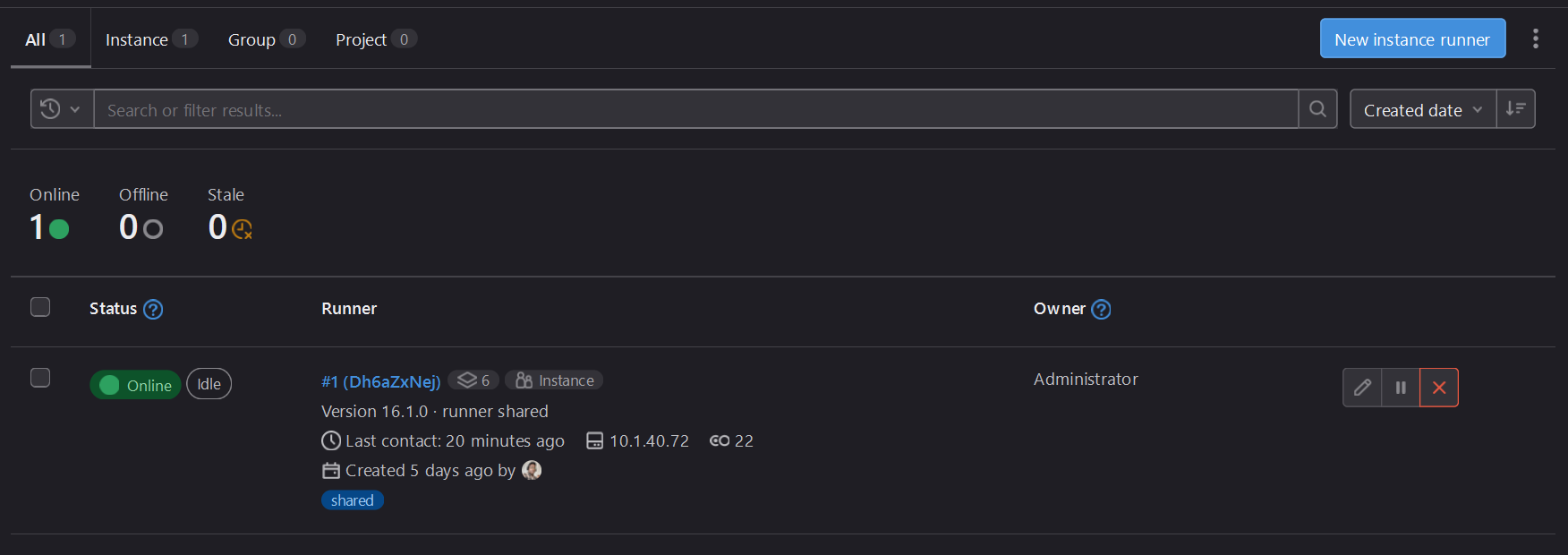
helm repo add gitlab http://charts.gitlab.io/
microk8s helm3 install shared--runner gitlab/gitlab-runner -f values.yaml -n gitlab --version 0.54.0
configuration de la chart helm
values.yaml
## The GitLab Server URL (with protocol) that want to register the runner against
## ref: https://docs.gitlab.com/runner/commands/index.html#gitlab-runner-register
##
gitlabUrl: http://git.terinnova.com/

## DEPRECATED: The Registration Token for adding new Runners to the GitLab Server.
##
## ref: https://docs.gitlab.com/ee/ci/runners/new_creation_workflow.html
##
# runnerRegistrationToken: "glrt-Dh6aZxNejHYuGHLzB_HZ"

## The Runner Token for adding new Runners to the GitLab Server. This must
## be retrieved from your GitLab Instance. It is token of already registered runner.
## ref: (we don't yet have docs for that, but we want to use existing token)
##
runnerToken: "glrt-Dh6aZxNejHYuGHLzB_HZ"
config share-runner
values.yaml
...
## Configuration for the Pods that the runner launches for each new job
##
runners:
  # runner configuration, where the multi line strings is evaluated as
  # template so you can specify helm values inside of it.
  #
  # tpl: https://helm.sh/docs/howto/charts_tips_and_tricks/#using-the-tpl-function
  # runner configuration: https://docs.gitlab.com/runner/configuration/advanced-configuration.html
  config: |
    [[runners]]
      [runners.kubernetes]
        namespace = "{{.Release.Namespace}}"
        image = "ubuntu:20.04"
        image_pull_secrets = ["regcred"]
        privileged = true
        host = ""
        cert_file = ""
        key_file = ""
        ca_file = ""
        namespace_overwrite_allowed = ""
        pod_labels_overwrite_allowed = ""
        service_account_overwrite_allowed = ""
        pod_annotations_overwrite_allowed = ""
        bearer_token_overwrite_allowed = false
        cpu_limit = "2"
        cpu_request = "1"
        memory_limit = "3Gi"
        memory_request = "2Gi"
        service_cpu_limit = "1"
        service_cpu_request = "500m"
        service_memory_limit = "2Gi"
        service_memory_request = "1Gi"
        helper_cpu_limit = "1"
        helper_cpu_request = "500m"
        helper_memory_limit = "1Gi"
        helper_memory_request = "500Mi"
        poll_timeout = 9600
        dns_policy = ""
        pull_policy = "always"
        priority_class_name = ""
        [[runners.kubernetes.volumes.empty_dir]]
          name = "docker-certs"
          mount_path = "/certs/client"
          medium = "Memory"
      [runners.cache]
        Type = "s3"
        Path = "runner"
        Shared = true
        [runners.cache.s3]
          ServerAddress = "minio-git.terinnova.com"
          BucketName = "runner-cache-shared"
          BucketLocation = "eu-west-1"
          Insecure = false
          AuthenticationType = "access-key"

  cache:
    secretName: gitlab-minio-secret
configuration volume docker.sock
Docker doit etre installé dans la machine hote pour pouvoir transmettre le docker engine au runner gitlab.
values.yaml
## Additional volumeMounts to add to the runner container
##
volumeMounts:
  - name: docker-certs
    mountPath: "/var/run/docker.sock"
    readOnly: true
  # Example:
  # - name: my-volume
  #   mountPath: /mount/path

## Additional volumes to add to the runner deployment
##
volumes:
  - name: docker-certs
    hostPath:
      path: "/var/run/docker.sock"
      type: